
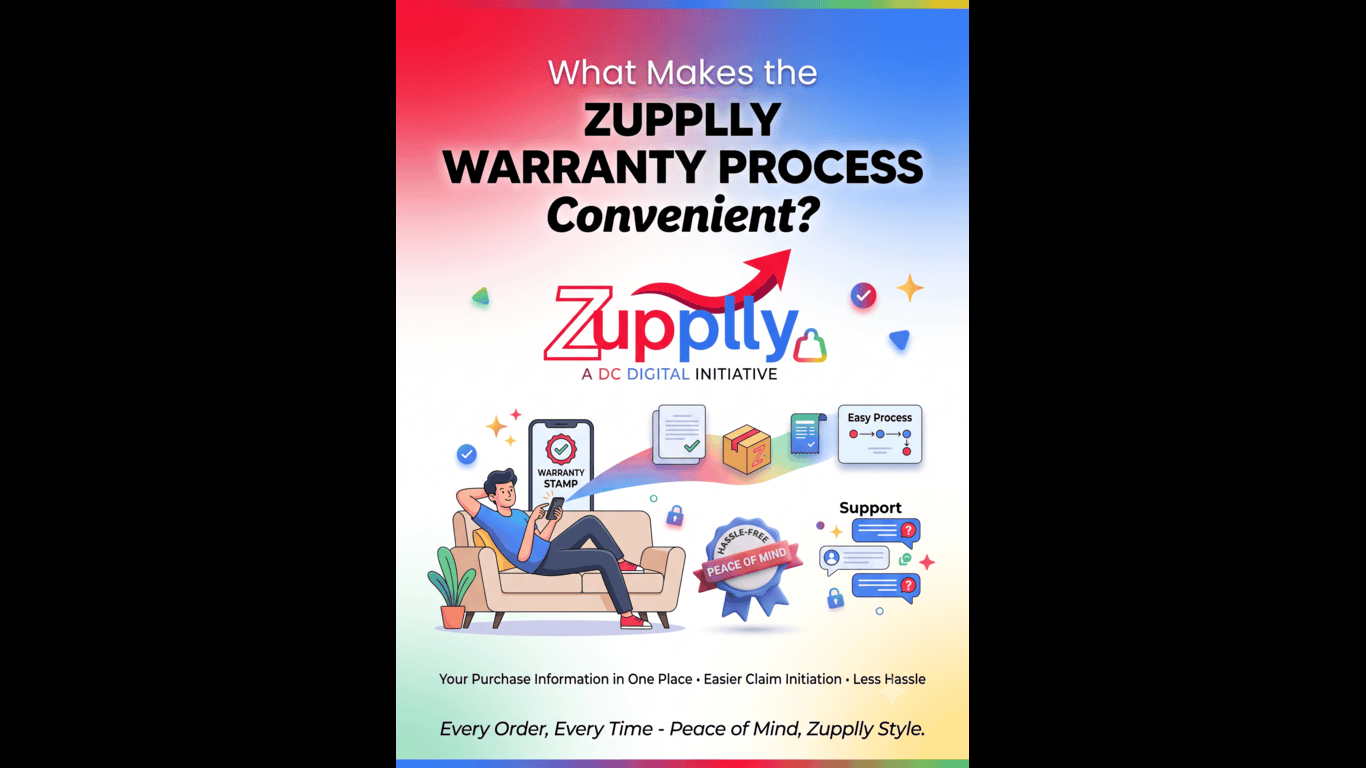
Buying a product is only one part of the shopping experience. What matters just as much is knowing that you have support if something goes wrong.
At Zupplly, the warranty process is designed to make raising a warranty claim easier for customers. Instead of keeping track of separate paperwork or wondering where to start, customers can access the warranty-related option through their Zupplly customer profile.
Here’s how the process works.
When you purchase a product, keeping track of its warranty information can sometimes become inconvenient. You may have to search for invoices, warranty details or purchase information when you need service.
Zupplly brings the process into your customer profile, making it easier to access your purchase information and raise a warranty request when required.
Start by logging into your Zupplly account using your registered details.
Once logged in, go to your customer profile.
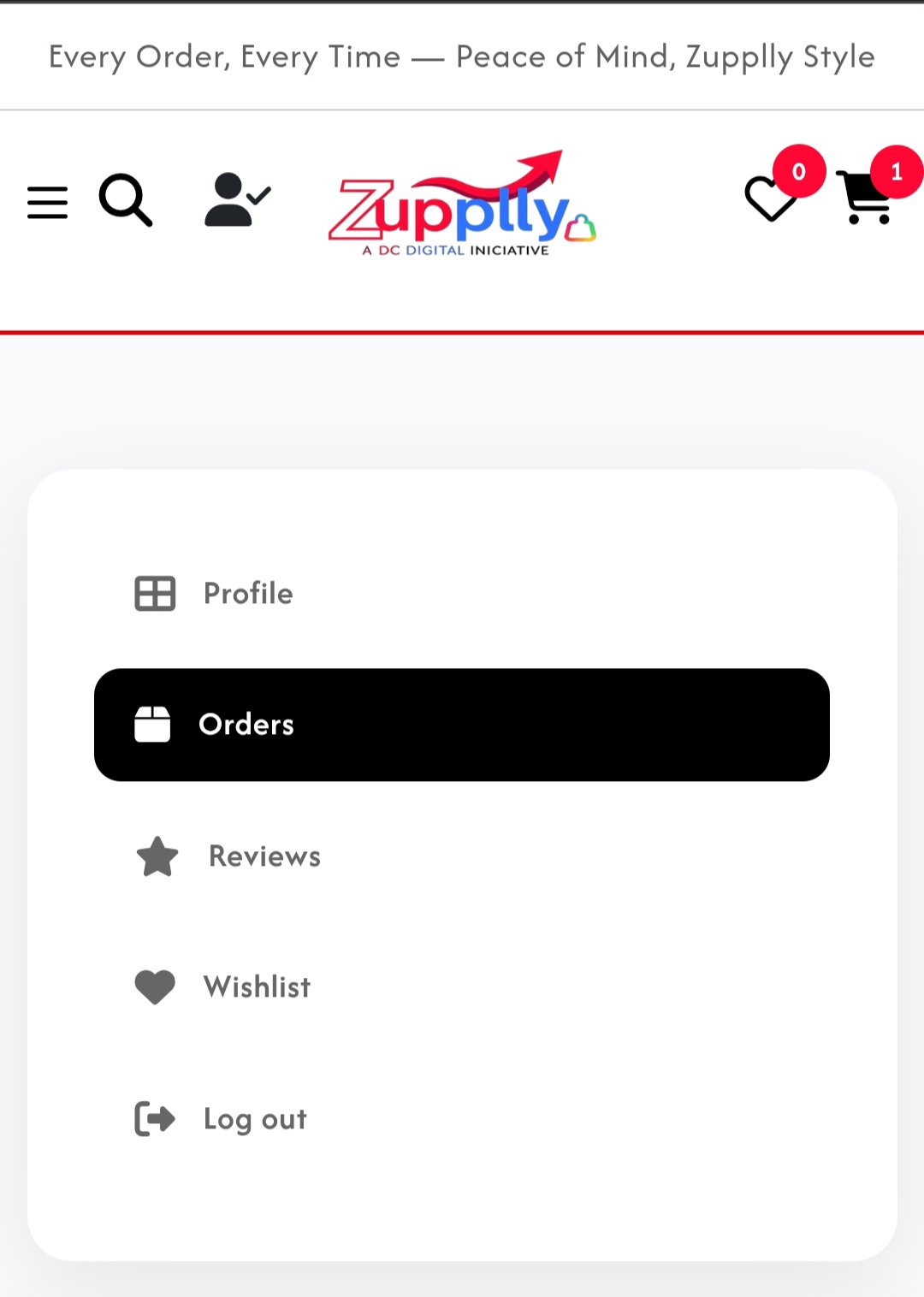
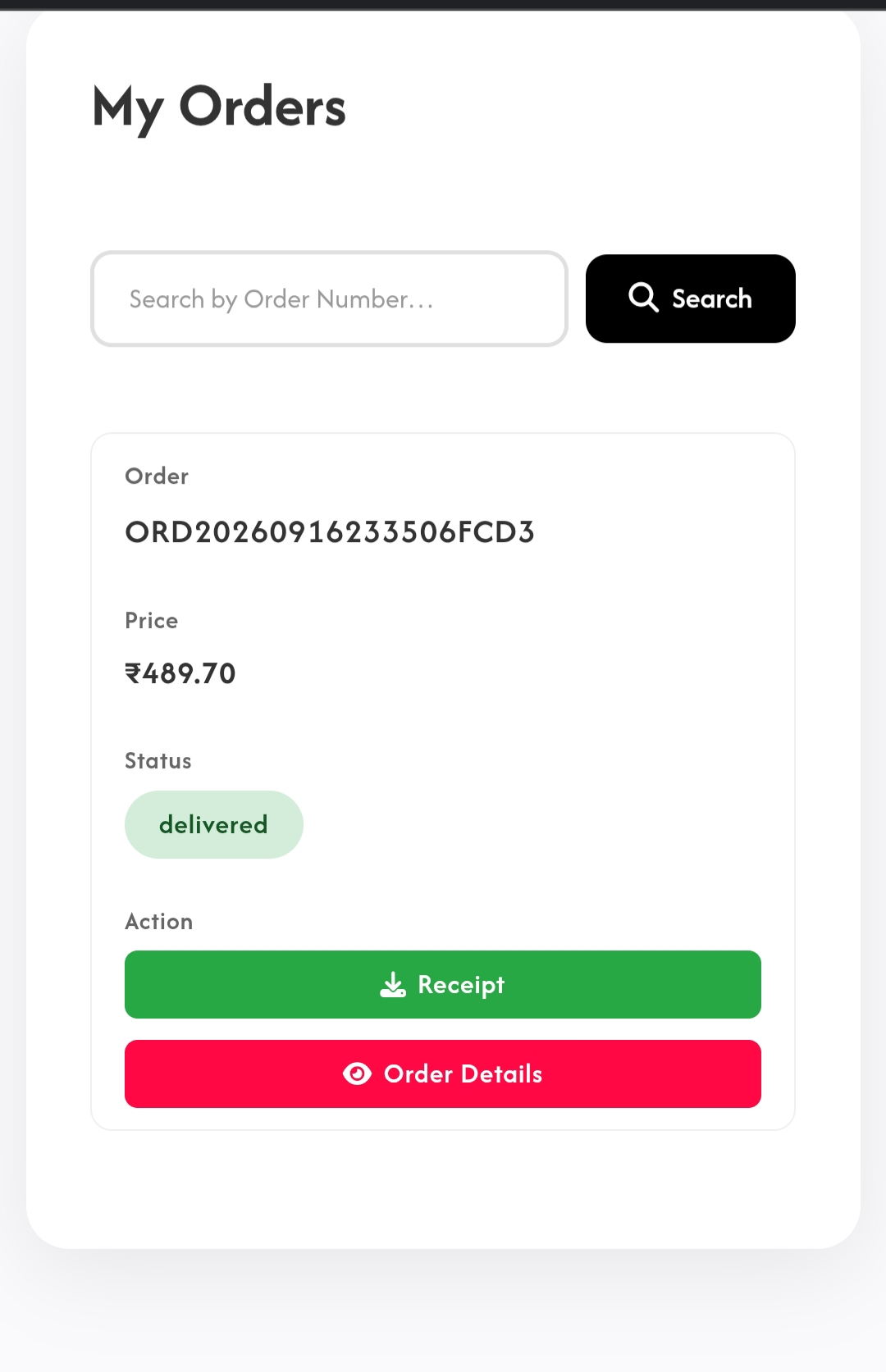
Find the product for which you want to raise a warranty claim.
Your purchase information can help you identify the relevant product and access the available warranty-related options.
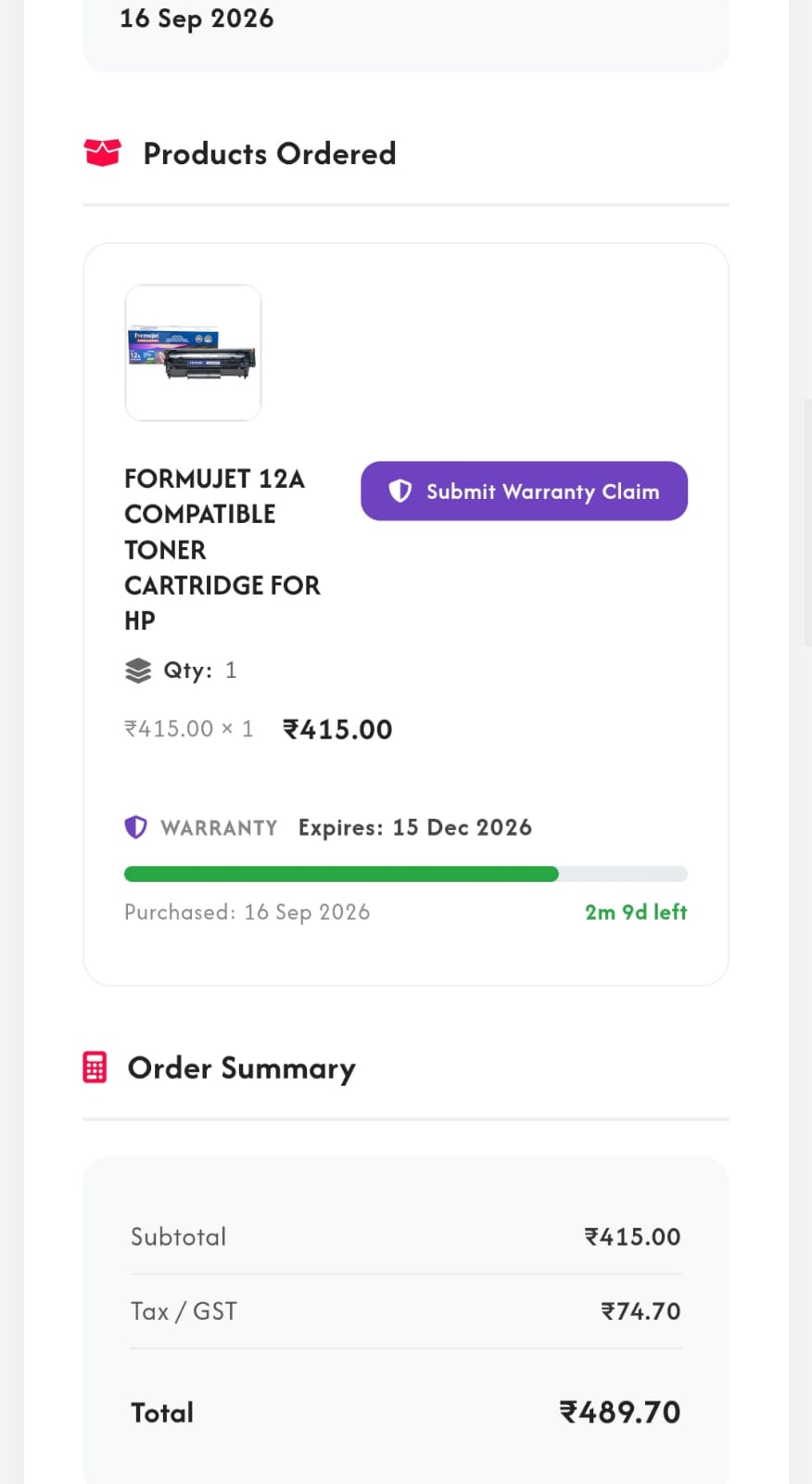
Once you have located the relevant product, select the warranty claim option available for that purchase.
This allows you to start the claim process without having to search through different places for your purchase details.
Provide the information requested in the warranty claim form.
Depending on the product and claim, this may include details such as the issue you are experiencing and any other information required to process your request.
Make sure the information you provide is accurate so that the claim can be reviewed smoothly.
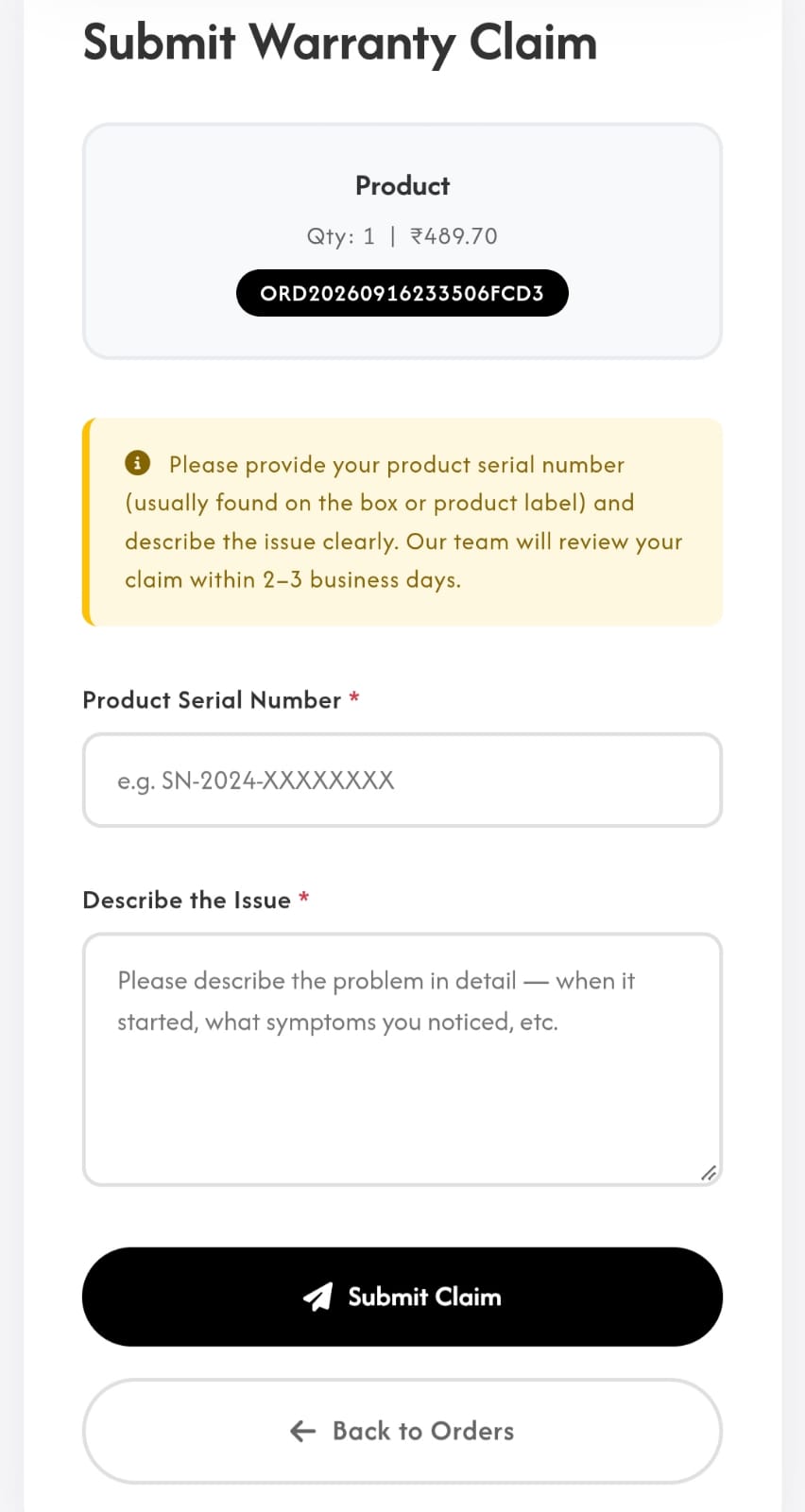
After checking the details, submit your warranty claim.
Your request can then be reviewed and processed according to the applicable product warranty terms.
Having your purchases and related information connected to your customer profile makes it easier to find the product you need help with.
Instead of figuring out where to begin, customers can start the warranty claim process through their Zupplly account.
The goal is to make the process simpler for customers, so that dealing with a product issue doesn't become a complicated task.
To help the process go smoothly:
Warranty coverage can vary depending on the product, manufacturer and applicable terms, so always check the specific warranty conditions for your purchase.
At Zupplly, the shopping experience doesn't have to end once your order is delivered.
With features such as the inbuilt warranty claim option, customers have a convenient way to raise a warranty request when they need support.
Buy with confidence. Keep your purchase information accessible. And when you need warranty support, Zupplly makes it easier to get started.