
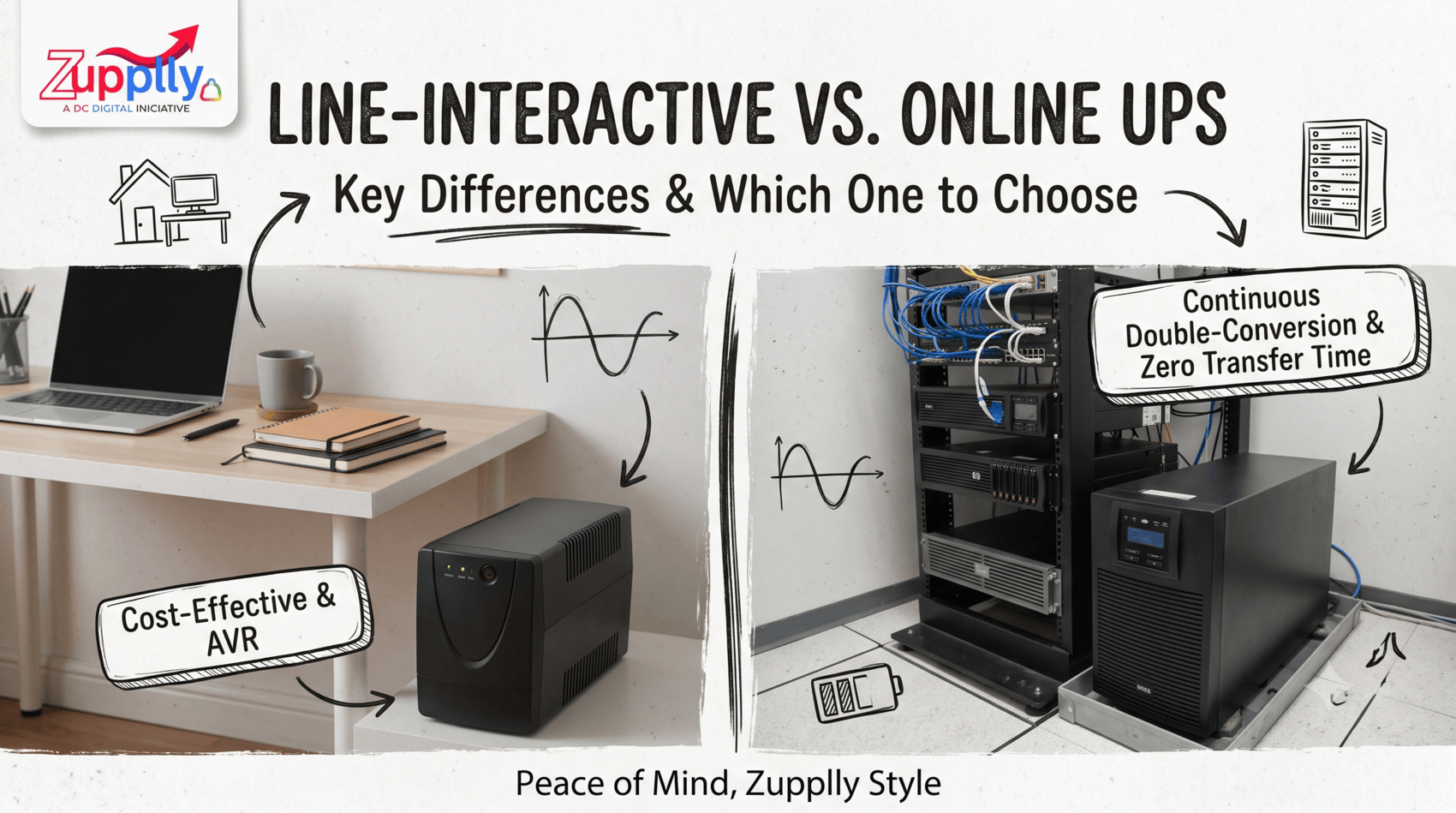
When choosing a UPS for your home, office or business, understanding the difference between a line-interactive UPS vs online UPS can help you make the right decision. Both types provide backup power during electricity failures, but they differ in how they regulate incoming power, respond to outages and protect connected equipment.
If you are comparing an online UPS vs line-interactive UPS, the best option depends on your equipment, power conditions, budget and the level of protection you need.
A line-interactive UPS is an uninterruptible power supply that provides battery backup and helps regulate voltage fluctuations. It typically uses Automatic Voltage Regulation (AVR) to correct moderate voltage variations without switching to battery power.
When the incoming power fails or falls outside the unit's acceptable range, the UPS switches to its battery and inverter to continue supplying power to connected devices.
A line-interactive UPS typically has a brief transfer time when switching to battery power. Most standard office equipment can tolerate the transfer, but compatibility should be checked for sensitive devices. Its power-conditioning capabilities also depend on the model.
An online UPS, also known as an online double-conversion UPS, continuously converts incoming AC power into DC and then back into AC through its inverter during normal double-conversion operation.
Because the inverter already supplies power to the connected equipment, a normal mains power failure does not require a conventional utility-to-battery transfer at the output. The battery supports the DC power path, allowing the inverter to continue supplying the load.
Online UPS systems are commonly considered for servers, critical IT infrastructure and other applications where power continuity and output regulation are especially important.
Online UPS systems generally have a higher purchase cost than comparable line-interactive models. Continuous power conversion can also produce additional heat and energy losses, depending on the model and operating mode.
The main difference between these UPS types is how power reaches the connected equipment during normal operation and what happens when the electricity supply fails.
Feature
Line-Interactive UPS
Online UPS
Working principle
Regulates incoming mains power and switches to battery when required
Continuously converts power through the inverter in double-conversion mode
Voltage regulation
Uses AVR within its correction range
Regulates output through continuous conversion
Transfer during power failure
A brief, model-dependent transfer occurs
No normal mains-to-battery transfer gap in double-conversion mode
Power conditioning
Suitable for many common power fluctuations
Generally provides more consistent power conditioning
Initial cost
Generally lower
Generally higher
Energy efficiency
Often higher in normal utility operation
Depends on conversion efficiency and operating mode
Common applications
Home offices, computers and compatible networking equipment
Servers, critical IT systems and sensitive loads
Note: These are typical characteristics. Actual transfer behaviour, efficiency, output quality and protection features vary by manufacturer and model.
Choosing the right UPS depends on what you need to protect and how much power interruption your equipment can tolerate.
A line-interactive UPS may be a practical choice if:
For many everyday office environments, a suitable line-interactive UPS can provide a useful balance between cost, efficiency and power protection.
An online UPS may be more suitable if:
For critical applications, always check the equipment's power requirements and the UPS manufacturer's specifications before making a purchase.
Not necessarily. The backup time of a UPS depends on battery capacity, connected load, battery condition, efficiency and other design factors.
An online UPS offers continuous power conversion, but that does not automatically mean it provides longer backup than a line-interactive UPS. To estimate runtime, compare the battery specifications and published runtime charts for the actual models under consideration.
Before buying a UPS for home or office use, consider these factors:
Selecting a UPS based on these factors helps ensure that the unit meets your actual requirements rather than simply choosing the more expensive option.
When comparing a line-interactive UPS vs online UPS, neither option is automatically best for every application.
A line-interactive UPS is often a cost-effective choice for compatible home and office equipment that needs battery backup and voltage regulation. An online UPS is worth considering for critical IT systems and applications that need continuous inverter output and more consistent power conditioning.
The right decision comes down to your equipment, power environment, required backup time and budget.
Looking for power-backup solutions for your setup? Explore the available options at Zupplly and compare the specifications to find a UPS that suits your needs.
Zupplly — Every Order, Every Time - Peace of Mind, Zupplly Style.